Overview
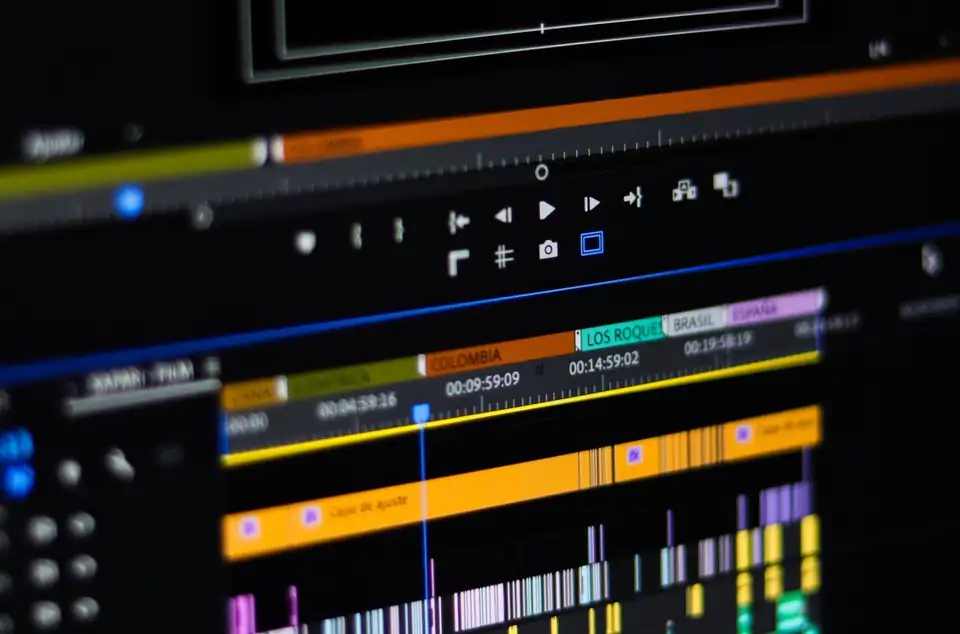
DaVinci Resolve is free, professional and famous for the best colour tools in the industry. This masterclass takes you from opening it for the first time to delivering a fully edited, mixed and cinematic graded film.
You will set up projects properly, edit fast on the Edit page, trim with precision, mix audio on the Fairlight page, add titles and speed ramps, then spend two full modules on the Color page: nodes, scopes, primaries, LUTs, Power Windows, qualifiers, tracking and a teal and orange blockbuster look.
Everything works in the free version of Resolve unless clearly marked as a Studio feature. Each module ends with a practice task, so you build a finished, graded piece as you learn.
What you will be able to do
- Set up projects and timelines correctly from the start
- Edit quickly with F9, F10, F12, Ctrl+B and trim mode
- Mix and clean audio on the Fairlight page
- Add titles, transitions, speed ramps and keyframed motion
- Build clean node trees and read waveform, parade and vectorscope
- Apply LUTs and convert Log footage correctly
- Use Power Windows, qualifiers and tracking for cinematic grades
- Render for YouTube, social media and client masters
Who this course is for
- Beginners who want a free professional editor
- Premiere users moving to Resolve
- Filmmakers and videographers
- YouTubers and content creators
- Photographers learning video
- Anyone who wants to colour grade
No experience needed. You just need a phone, tablet or computer and an internet connection.
How you are assessed
Every module has short interactive activities: quick checks, sorting games, ordering tasks and scenarios. At the end there is a 15 question final assessment drawn from a bank of 26 questions. You need 12 or more to pass, and you can retake it as many times as you like with new questions each time.
Where this can help your career
These skills are useful in many roles. The course supports your development, but it does not guarantee a job or promotion.
Curriculum
9 modules, a final assessment and your certificate. About 4 hours in total.
1Welcome to DaVinci ResolveFree preview
2Project setup and the Media page
3The Edit page: your first cut
4Trimming like a pro
5Sound on the Fairlight page
6Titles, transitions, effects and speed
7The Color page: correcting with nodes
8The Color page: cinematic grading
9Deliver and professional workflow
✓Final assessment and certificate
Certificate
When you pass the final assessment you get a Studivana certificate of completion with your name, the course title, your score, the date and a unique certificate ID. Download it as an image or PDF and add it to your CV, LinkedIn or training record.
This is a certificate of completion, not a regulated or accredited qualification. Some employers ask for specific accredited training, so check what your role needs.
Frequently asked questions
Is this course accredited?
No. You get a Studivana certificate of completion, which shows you studied the course and passed the final assessment. It is not a regulated or accredited qualification, so if your employer needs a specific accredited certificate, check with them first.
Does this work with the free version of DaVinci Resolve?
Yes. Everything is taught in the free version. Studio only features are clearly marked.
Which version does it cover?
It was written for DaVinci Resolve 21, and almost everything works the same in earlier versions.
Can I study at my own pace?
Yes. You get lifetime access, your progress is saved as you go, and you can study on a phone, tablet or computer.
Can I train my whole team?
Yes. Choose For my team in the price box and tell us how many learners you have. We will send a quote with team pricing.
What if the course is not right for me?
You can get a full refund within 14 days of buying it, no questions asked. See our Refund Policy for how to ask.